
Home Compare vs The Events Calendar
Comparison
A Lightweight, Free Alternative to The Events Calendar
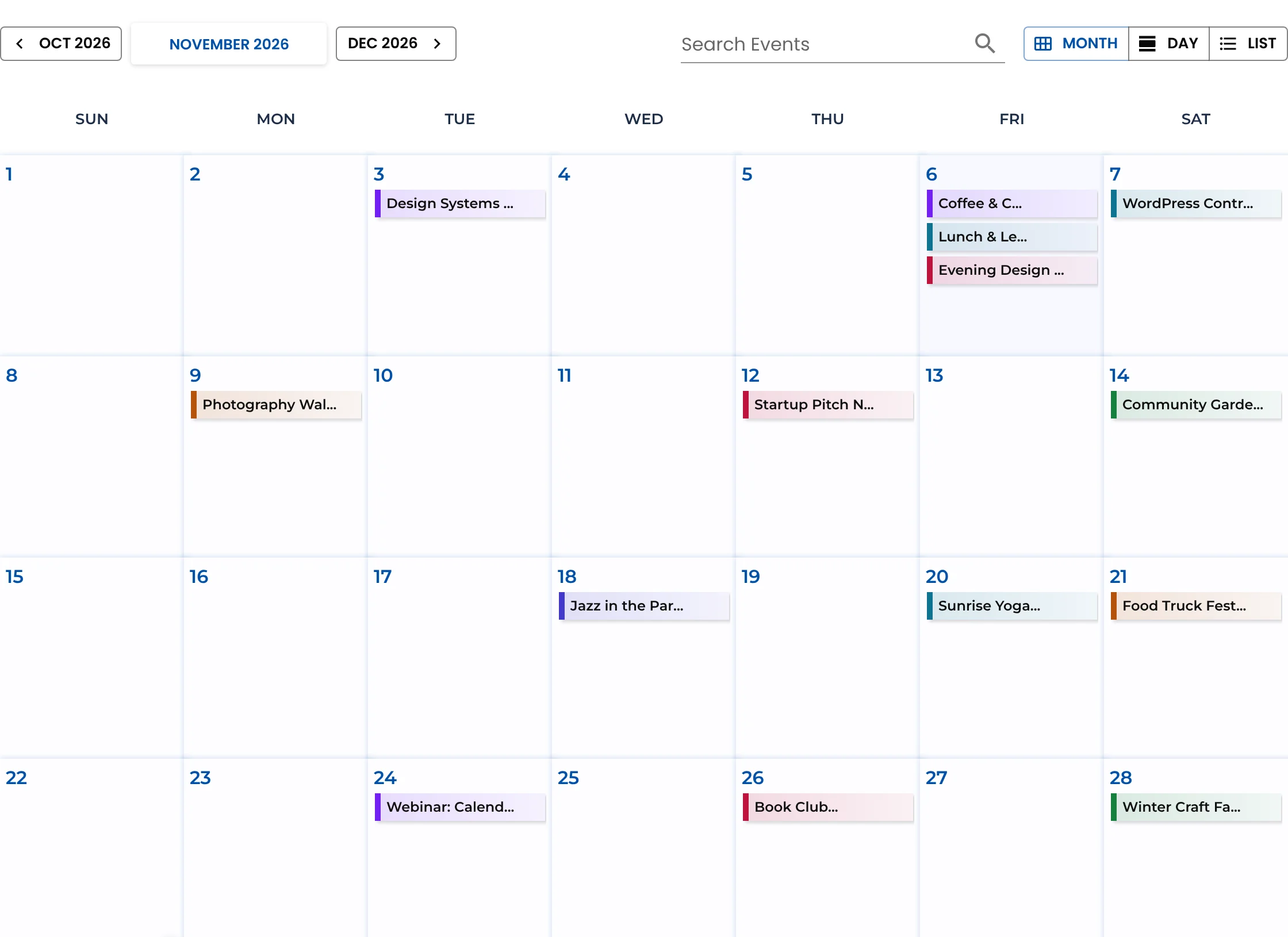
If you’re looking for The Events Calendar alternative that’s simpler, lighter and free, Monthly Events Calendar can show your existing events in minutes — without importing anything or changing your current setup.
Why people look for The Events Calendar alternative
The Events Calendar is the most-installed event plugin for WordPress and does a lot. The common reasons people look elsewhere:
- Price. Its premium features are now sold by Liquid Web in bundles; the plans we checked start at $350 a year for one site, bundled with other products.
- Complexity. A calendar with recurring events, tickets and imports means several plugins and add-ons to keep updated.
- Weight. Many sites only need a clean month, list and day calendar with venues — and want to pay for nothing else.
Side by side
| Monthly Events Calendar (free) | The Events Calendar (free) | The Events Calendar premium | |
|---|---|---|---|
| Month, list, day views | Yes | Yes | Plus week, photo and map views |
| Venues and organizers | Yes | Yes | Plus venue and organizer pages |
| Per-event timezone | Yes | Yes | Yes |
| All-day events | Yes | Yes | Yes |
| Recurring events | Planned (2.0) | No | Yes |
| Add to Calendar / calendar export | Add to Calendar button (Google, Apple, Outlook.com, Yahoo, Microsoft 365, Teams) | iCal and Google Calendar export | Yes |
| Import from Google Calendar / iCal | Yes: paste a link or upload an .ics file, sync with one click | CSV files only | Paid Event Aggregator service, with scheduled imports |
| Front-end event submission | Yes: form, roles and approval | Not included | Paid add-on (Community) |
| Calendar shortcode | Yes, [wp_monthly_events] | Block | [tribe_events] |
| Tickets | Not yet | Separate Event Tickets plugin | Event Tickets Plus |
| Price | Free | Free | Bundles from $350/year (1 site) |
Checked November 2026: Events Calendar Pro features, Liquid Web plans, Event Aggregator.
Try it on your real events first
This is where Monthly Events Calendar is different. Install it alongside The Events Calendar and your existing events appear in its calendar straight away — read from the database, read-only, including every date of recurring series. Nothing is copied and nothing in The Events Calendar changes.
If you like it, one click imports categories, venues, organizers and events, keeping slugs, featured images and Rank Math or Yoast SEO settings. Deactivate The Events Calendar and the old /event/… addresses redirect to the new event pages, and pages using [tribe_events] keep showing a calendar. If you don’t like it, deactivate Monthly Events Calendar and you’re exactly where you started.
When The Events Calendar is the better choice
We’d rather you pick the right tool:
- You need recurring events now. Monthly Events Calendar adds them in 2.0; until then, imported series become one event per date.
- You sell tickets or take RSVPs through Event Tickets — that ecosystem has no equivalent here yet.
- You rely on its add-ons: filter bar, virtual events, or imports that run on a schedule.
- You need week, photo or map views.
Where Monthly Events Calendar wins
- Free, with no add-ons to buy for month, list and day views, venues, organizers and timezones.
- Google Calendar import and front-end event submission are free too. Calendar import · Event submissions
- Light and fast: events load from the REST API, so pages cache well.
- Developer-friendly: a simple data model, a documented events endpoint and template hooks. Developer docs
- Risk-free to try: it works on the events you already have.